
Messaging That Doesn't Live in Your Personal Texts
Every conversation threaded to the job, request, estimate or invoice it's about — so it's still findable in six months.
The detail that decides a dispute is usually in a text on somebody's personal phone. Often somebody who left.
How it works
- Open the job, request, estimate or invoice and start the conversation there.
- Every message stays threaded to that record. It's still there next year.
- In the mobile app, swipe a thread to pin it so it stays at the top, or to archive it once the work is done.
- Archived threads go to a separate view, not the bin. Unarchive if a job comes back to life, which they do.
Because messages are part of the job record, they appear on the job's timeline alongside the photos, the hours and the invoice. Whoever picks up the job next reads the whole story without asking anyone.
Where you'll find it
Web at /dashboard/messages, and Messages in the mobile app. Reading and replying work on both; pinning and archiving are mobile-only for now.
Related: Two-way texting · The job flow timeline
No cost during beta. Pricing.
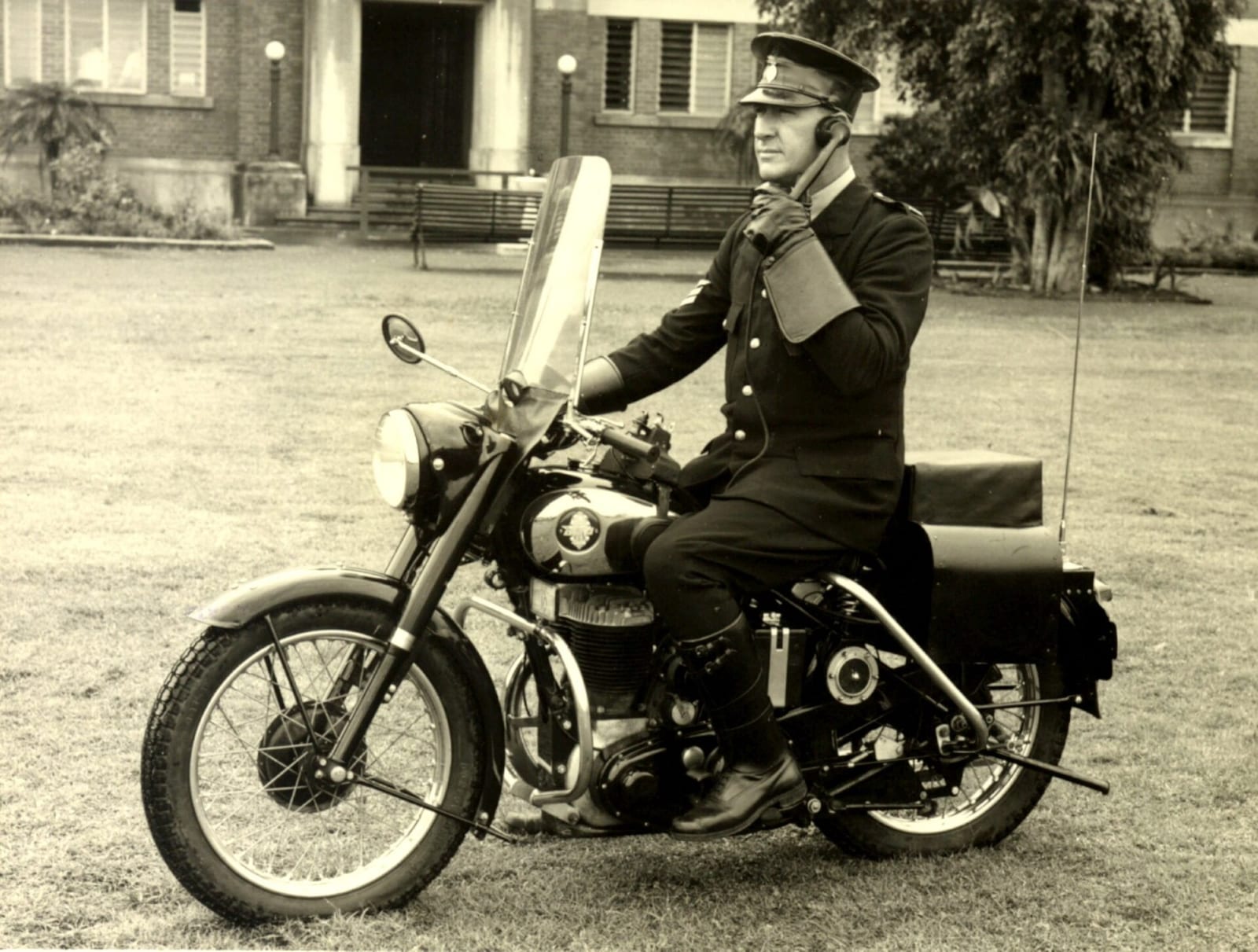
Header photo: Sergeant Cecil Trower on his two-way radio equipped BSA motorcycle, c1956 by Unknown author, CC BY 4.0, via Wikimedia Commons.
