
A Website You Can Publish This Afternoon
Your services, your hours, your phone number, your colours — and a request form that files straight into your queue.
Plenty of good tradespeople have no website, or one built in 2011 with a phone number that's changed. This takes an afternoon.
How it works
- Claim your address — a lowercase slug between 3 and 40 characters. Your business name usually works.
- Add your contact numbers, email and a one-line subtitle saying what you do and where.
- List your services. Up to 20. Be specific: people search for "sump pump replacement," not "plumbing."
- Upload a hero photo — JPEG, PNG, GIF or WebP, under 10MB. Use your own work, not a stock photo of someone else's van.
- Set your background, button and button-text colours. There's a live preview, so you'll know immediately if it's unreadable.
- Add your business hours, choose what to display, and publish.
The request form is built in, and so is a "join as a customer" button for the portal. If you run the AI receptionist, you can display that number as a 24/7 line.
Where you'll find it
Web at /dashboard/your-website, and Your Website in the mobile app.
Related: Take bookings from your own website · The AI receptionist
Free while in beta. See the plans.
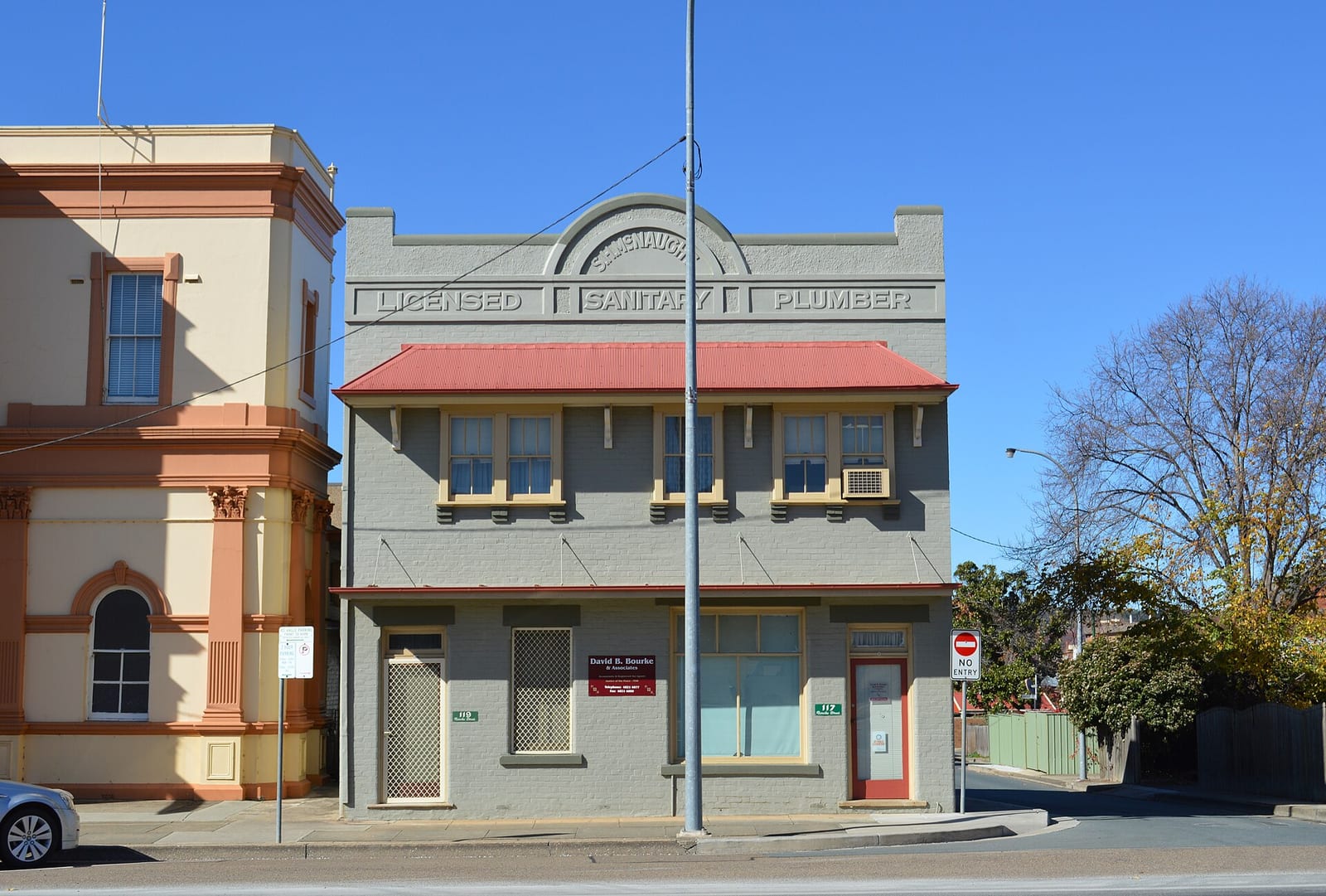
Header photo: Goulburn Licenced Sanitary Plumber 001 by Mattinbgn, CC BY 3.0, via Wikimedia Commons.
