
Let Customers Pay the Invoice From Their Phone
Connect Stripe once and every invoice you send gets a Pay button. Card or bank transfer, no account needed, and the receipt sends itself.
The gap between "invoice sent" and "money in the bank" is usually just friction. Remove the friction.
How it works
- Connect a Stripe account from your dashboard and complete their onboarding. It's the standard identity and bank details flow.
- Once you're connected, every invoice you send carries a Pay Online button.
- The customer taps it and pays — by card, or by US bank transfer (ACH) where their bank supports it. They don't need an account with us or with Stripe.
- The invoice marks itself paid.
- A receipt goes to their email automatically.
What it costs
The fee screen shows you one combined rate per method, because that's what actually leaves the payment:
- Card — 3.45% + $0.30. Stripe takes 2.9% + $0.30 of that; our platform fee is the remaining 0.55%.
- Bank transfer — 1.8%. Stripe takes 0.8%, capped at $5, so bank transfers get proportionally cheaper as invoices grow; our platform fee is 1%.
On a $1,000 invoice that's about $34.80 by card against roughly $15 by bank transfer. Worth knowing before you send a big one.
Until you connect, invoices simply don't show a Pay button — nothing breaks, you just collect the other ways.
Where you'll find it
Set it up on web at /dashboard/online-payments. The mobile app explains it but sends you to web to connect, because Stripe's onboarding needs a browser.
Related: Turn a job into an invoice · Automatic payment reminders
The software is free in beta. Full pricing.
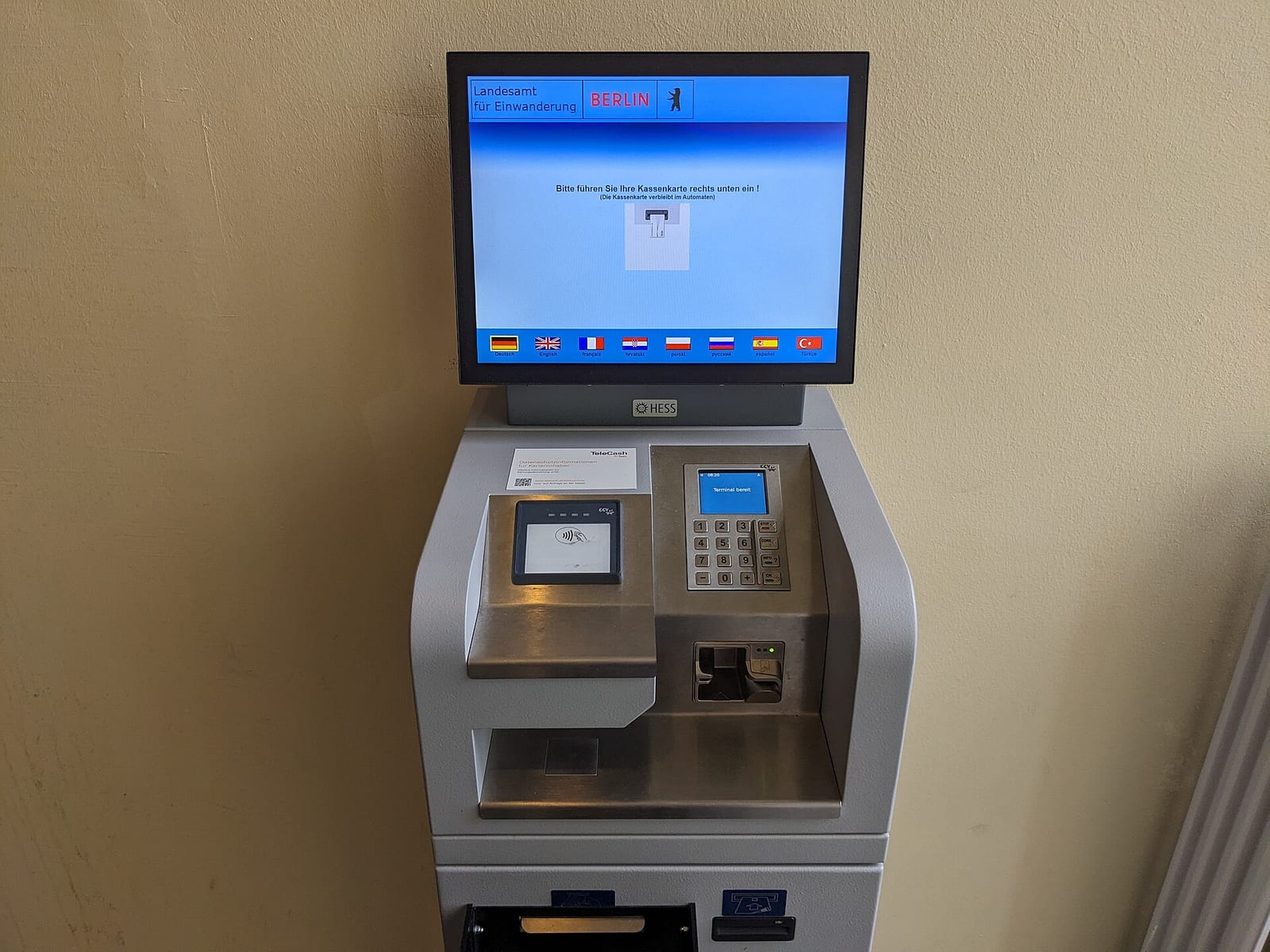
Header photo: Payment terminal at the Berlin immigration office by Nicbou, CC0, via Wikimedia Commons.
