
How a Service Request Reaches You
A customer describes the problem, picks a time window, and attaches photos. It lands in a queue you can see instead of a voicemail you forget.
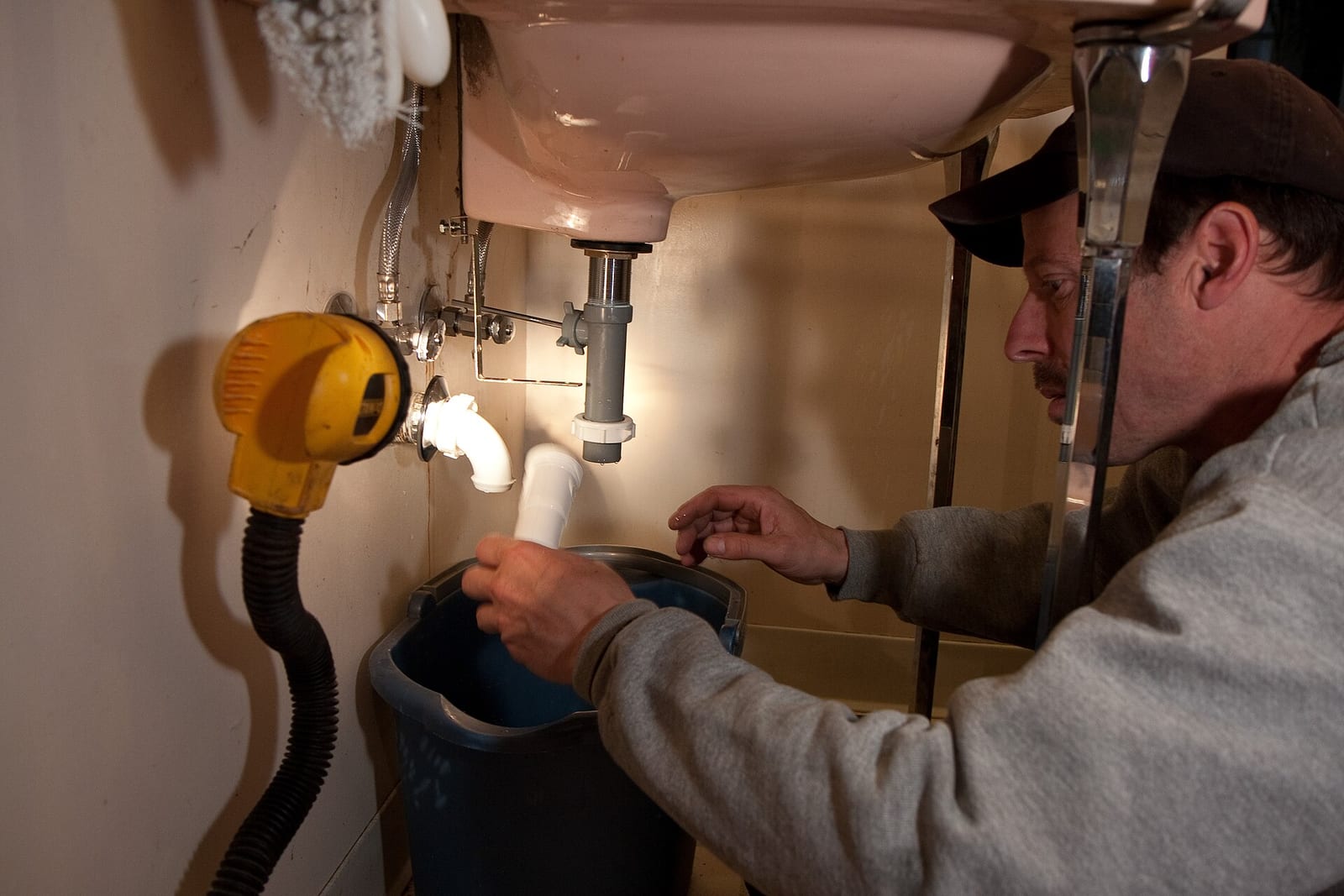
Most service businesses lose work in voicemail. A service request puts the job somewhere you can actually see it.
How it works
- The customer opens their portal or your website form and describes the problem.
- They set urgency — low, medium, high, or emergency — and a preferred start and end time.
- They attach photos of the leak, the panel, the unit. Now you know what you're driving to.
- The request lands in your queue with the service address already on it.
- You mark it reviewed, schedule it, cancel it, or convert it straight into an estimate or a job.
Nothing gets retyped. The address, the photos and the description carry forward into whatever the request becomes.
Where you'll find it
Web at /dashboard/service-requests, and on the Service Requests screen in the mobile app. Customers file them from their portal, and anyone can file one from your public site.
Related: Quick Book · Take bookings from your own website
Tradesman is free while we're in beta. See what's included.
Header photo: Plumber at work 2010 USA by ocean yamaha, CC BY 2.0, via Wikimedia Commons.
