
Photo Proof, Before and After
Shoot it on the phone, attach it to the job or the request, and let it carry through to the invoice. Grouped by who took it.
Photos win arguments. They also win the next job, and they justify the line item the customer is squinting at.
How it works
- Open the job, the service request, or a work task, and shoot straight from the camera or pull one from your library.
- It attaches where you took it from. One photo can hang off more than one record at once — which is how a job photo also shows on that job's invoice without being uploaded twice.
- The gallery splits photos into two groups: added by the customer, and added by the team.
- Add a caption if the picture needs one. "Corroded at the union, homeowner shown before removal" is worth eight seconds.
- Everything shows up on the job's timeline in the order it was taken.
Line items work slightly differently: a line item carries one photo of its own, the picture of the exact part or the exact damage that justifies the charge.
Because a photo can have several parents, removing it from one place detaches it rather than destroying it. It only really goes when the last record letting go of it does.
That customer-versus-team label matters more than it sounds. The photo the homeowner sent of the leak and the photo your tech took after opening the wall tell very different stories, and you want to know which is which.
Shoot before you start. Every time. It costs eight seconds and it has settled more disputes than any contract clause.
Where you'll find it
Capture is mobile-first — that's where the camera is. Everything is viewable on web.
Related: The job flow timeline · Working offline
Beta is free. See what's included.
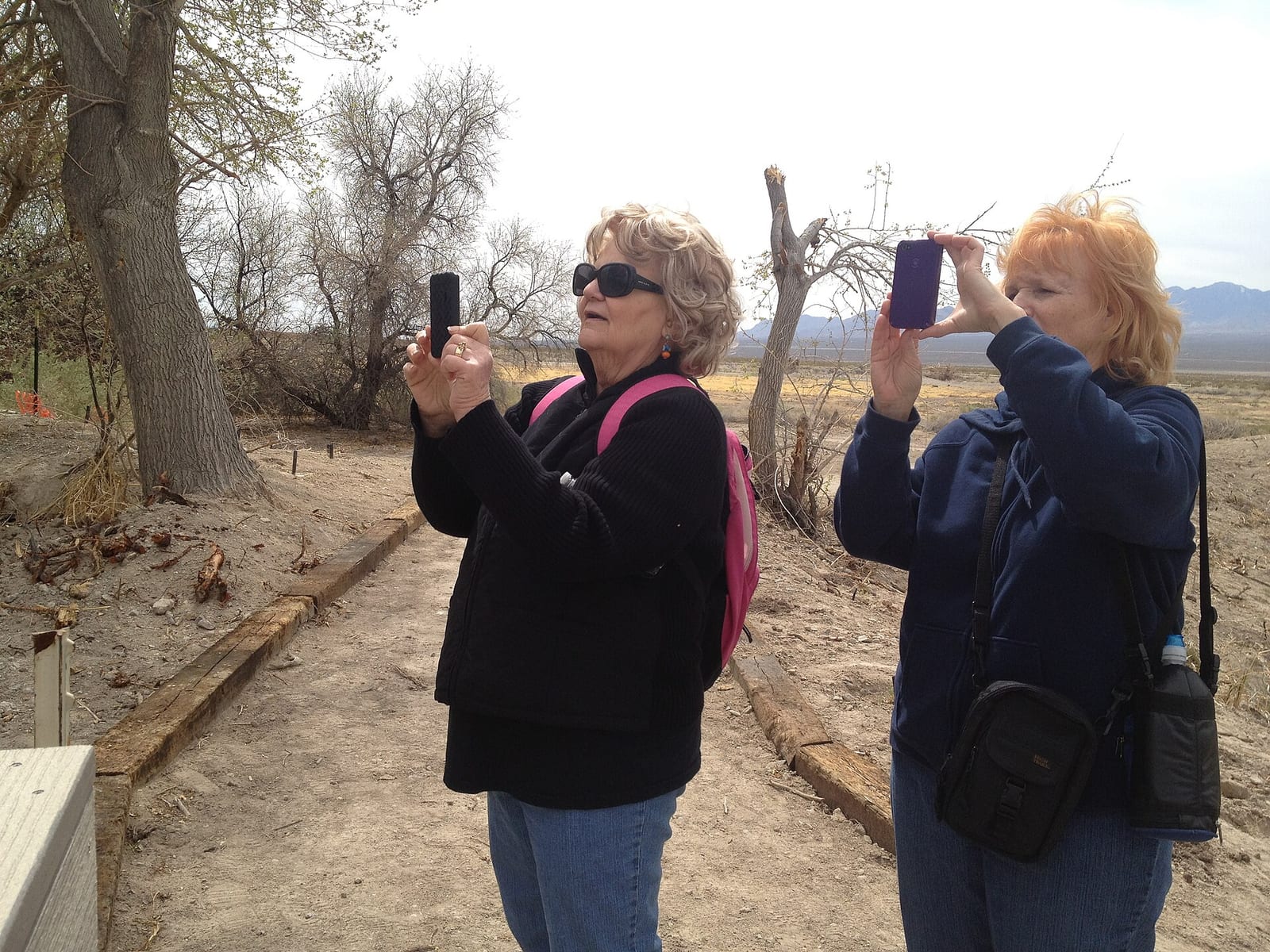
Header photo: Smartphone cameras on refuge (7029496999) by U.S. Fish and Wildlife Service Headquarters, Public domain, via Wikimedia Commons.
.jpg)