
No Signal in the Crawlspace
Basements, plant rooms, rural jobs. The app keeps working and syncs everything the moment you have a bar again.
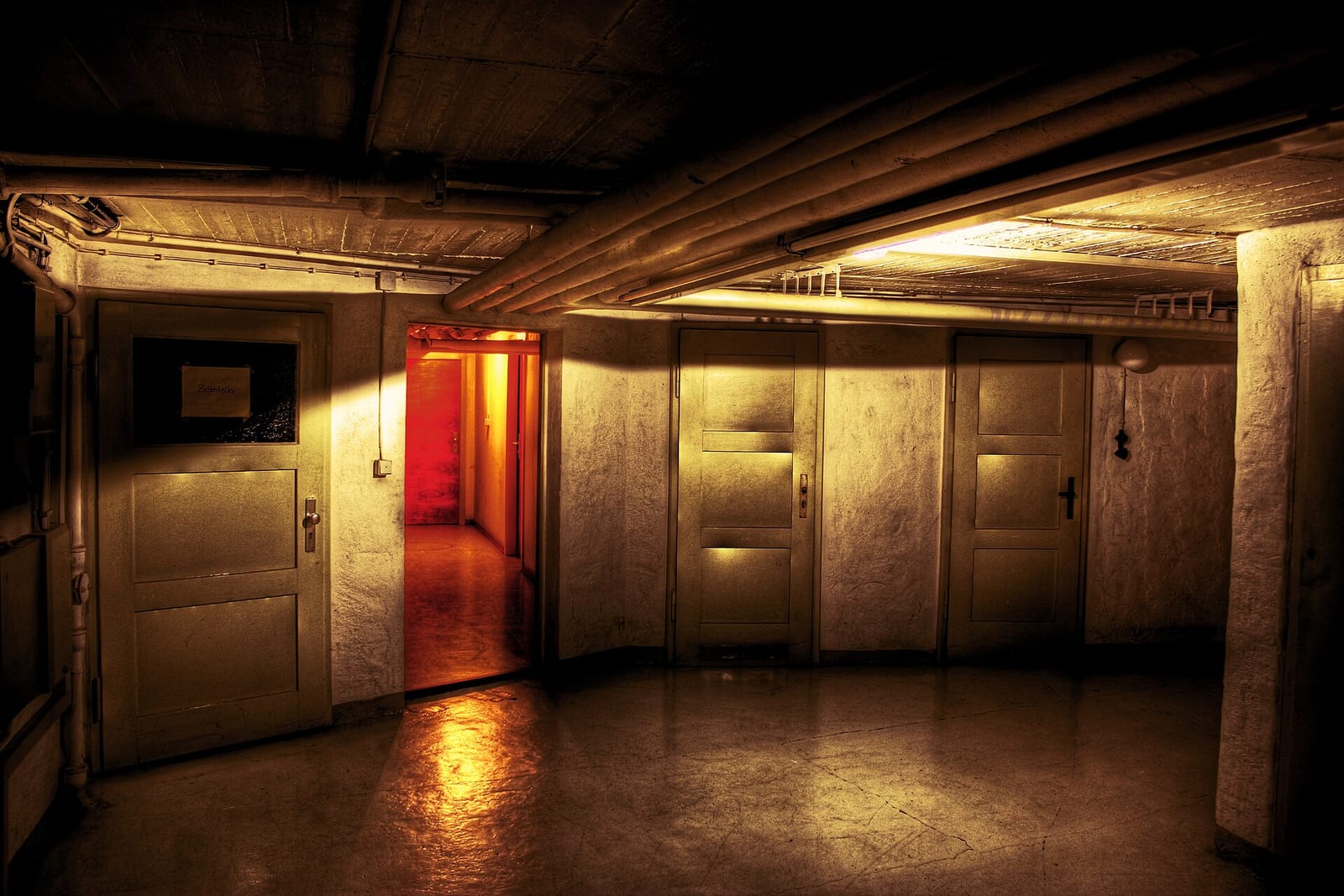
Half the places this trade works have no signal. An app that needs a connection to clock you in is an app that loses your hours.
How it works
- You lose signal. A banner appears so you know you're offline — no silent failures.
- Clock in, clock out, write notes, take photos. All of it works.
- Each action queues on the device.
- When you're back in range, the queue syncs on its own.
- A queued action survives closing the app, and even restarting the phone — it's written to disk, not held in memory.
One thing to know about timestamps
A clock-out recorded offline keeps the time you actually stopped: the phone sends its own timestamp and the server honours it.
A clock-in does not. It's stamped when it reaches the server, so a clock-in queued in a basement lands at the time you got signal again. If that gap matters for a day's pay, fix the entry afterwards — time entries are editable — rather than assuming the queue preserved it.
Where you'll find it
Built into the mobile app. There's nothing to enable — it's how the app behaves when the connection drops.
Related: Clocking in from the truck · Job photos
Free through beta. Have a look.
Header photo: Down In The Cellar - Flickr - Isengardt by Isengardt, CC BY 2.0, via Wikimedia Commons.
