
Recording Cash, Checks and Everything Else
Half of this trade still pays with a folded check on the kitchen counter. Log it in ten seconds and photograph it while you're standing there.
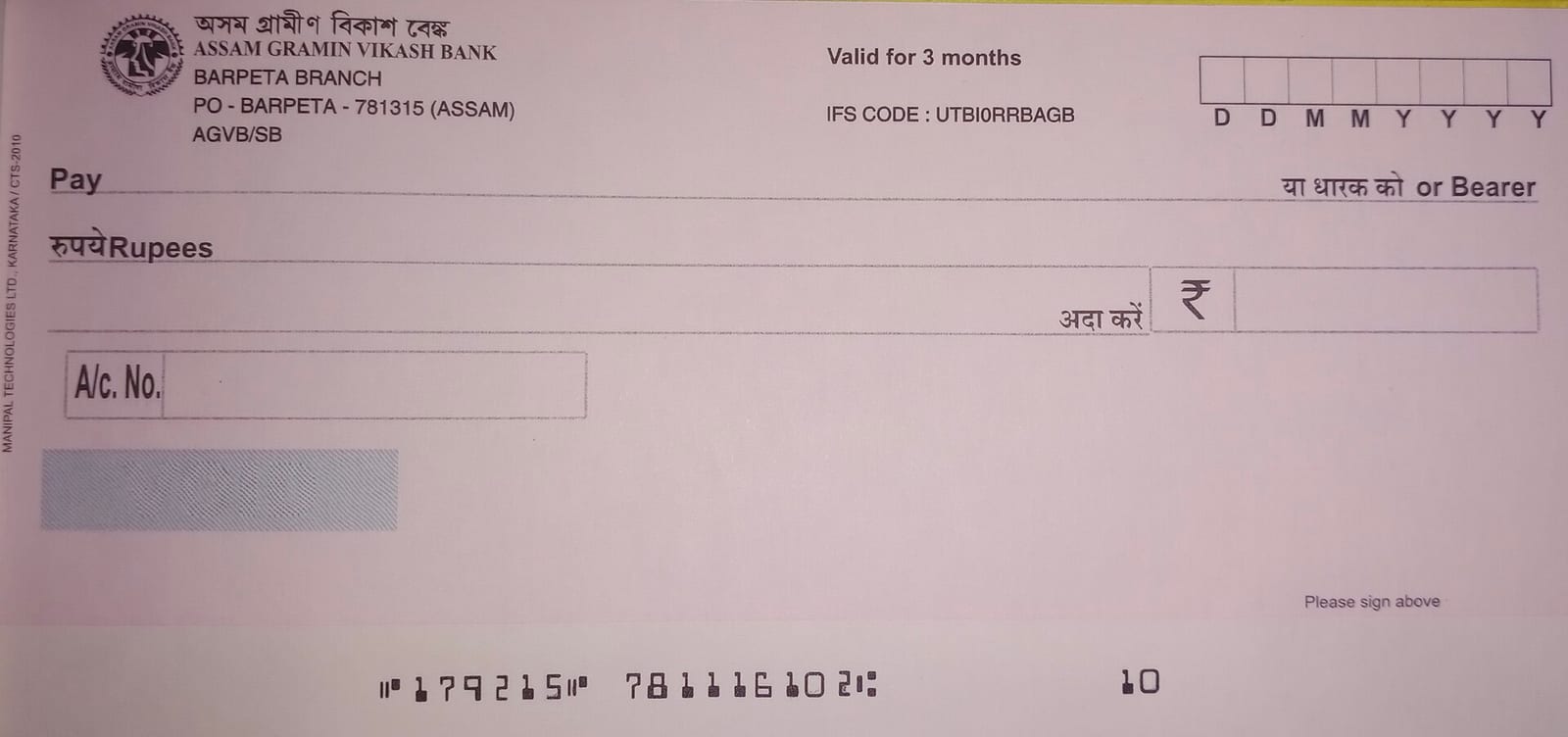
A check in a glovebox is not a recorded payment. If it isn't logged, your outstanding list is lying to you.
How it works
- Create a payment and pick the method — cash, check, bank transfer, or online payment for one that came through Stripe.
- Enter the amount and the date it was actually taken, not the date you got around to entering it.
- Pick the invoice it settles. The customer comes with it, so there's nobody to look up separately.
- Photograph the check or the receipt and attach it.
- Add a note if there's anything to remember — partial payment, a discount you gave on the spot.
- Tick "mark the invoice paid" when it settles the balance in full.
Linking it to the invoice is the part that matters. That's what clears the invoice out of outstanding and keeps your revenue numbers true.
Where you'll find it
Web at /dashboard/payments, and Payments in the mobile app. The photo capture is easier on the phone, for obvious reasons.
Related: Turn a job into an invoice · The numbers that matter
Nothing to pay during beta. See the plans.
Header photo: A cheque of Assam Grameen Vikash Bank by Chiring chandan, CC BY-SA 4.0, via Wikimedia Commons.
