
Scheduling, and Getting It Into the Calendar You Already Use
Day and month views with drive times and arrival windows — plus a feed you can subscribe to from Google or Apple Calendar.
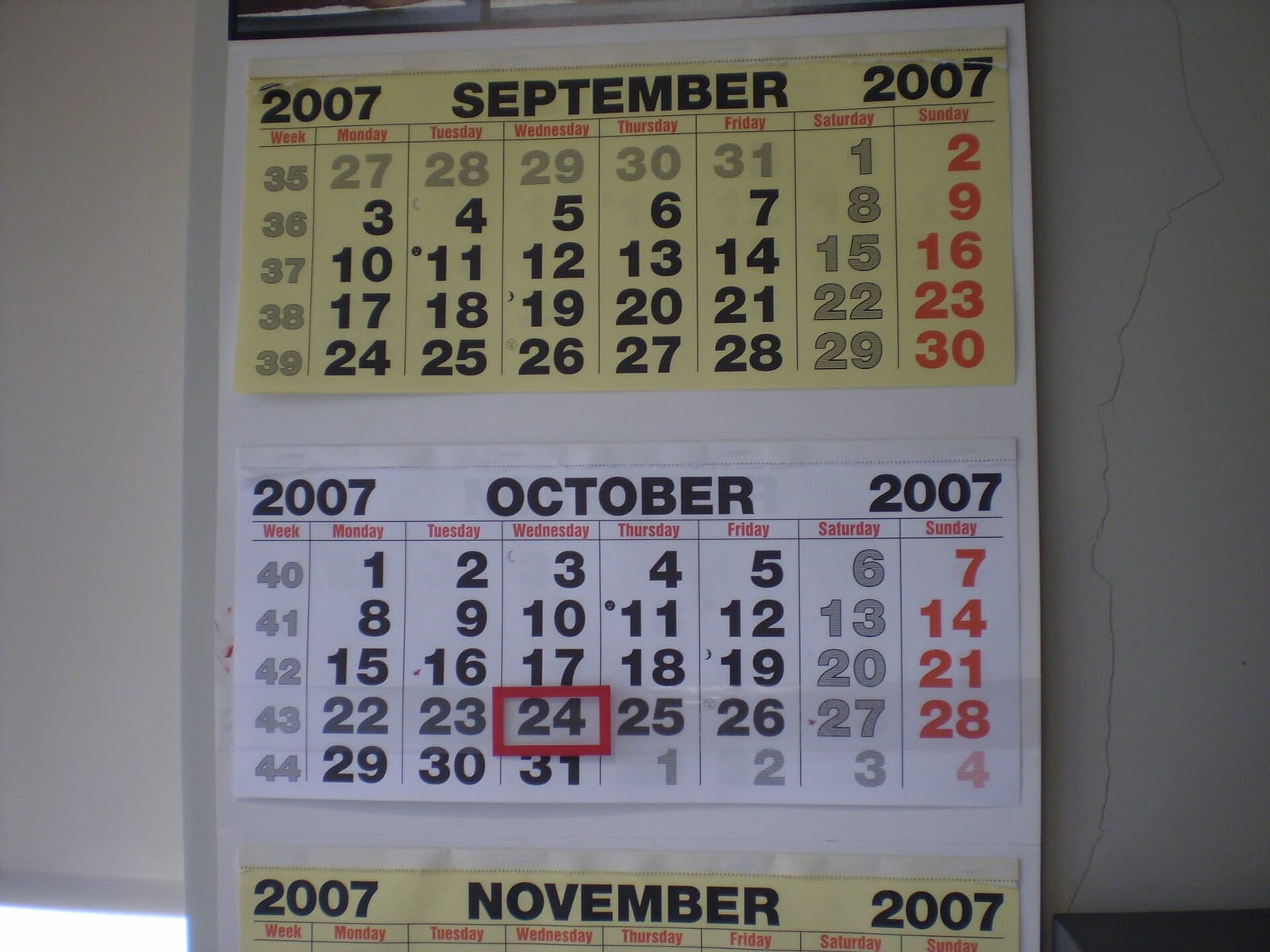
Double-booking a Tuesday costs you a customer. So does telling someone "sometime Tuesday."
How it works
- Switch between day and month views depending on whether you're planning a week or surviving one.
- Watch the unscheduled bucket. Anything sitting there is work you've accepted and not committed to.
- Each day shows its jobs with the technicians assigned to them.
- Drive-time estimates sit between stops, so an eight-job day that isn't physically possible looks impossible on screen.
- Give the customer an arrival-hour window instead of a whole day.
Put it in your own calendar
There's a private subscription link that Google Calendar, Apple Calendar and Outlook can follow. Copy it once and your job schedule appears alongside everything else in your life, refreshing on its own.
Treat that link like a password — anyone with it can read your schedule.
Where you'll find it
The calendar view on your web dashboard, and the Calendar tab in the mobile app. The subscription link is on the same screen.
Related: Dispatch and routing · Quick Book
Beta accounts are free. See pricing.
Header photo: WallCalendar by Claudio Elias, Public domain, via Wikimedia Commons.
