
QuickBooks, Without the Double Entry
Connect once and customers, invoices and expenses flow through on their own. Including everything already in the system.
Entering the same invoice twice is the tax every small service business pays for using two systems.
How it works
- Connect QuickBooks Online. It's the standard OAuth flow — you log into Intuit and approve.
- From then on, customers, invoices and expenses sync across automatically.
- Run "sync all existing data" to backfill everything already in your account. It reports what it moved.
- Disconnect whenever you like, and reconnect later without losing the mapping.
The backfill is the step people skip and then wonder why last quarter is missing. Run it once, right after connecting.
Expenses have their own Sync to QB action if you'd rather push individual ones as you log them.
Where you'll find it
Web only, in settings. The mobile app will tell you to manage it on web — Intuit's authorisation flow needs a browser.
Related: Track job expenses · Export and search
Beta accounts pay nothing. See pricing.
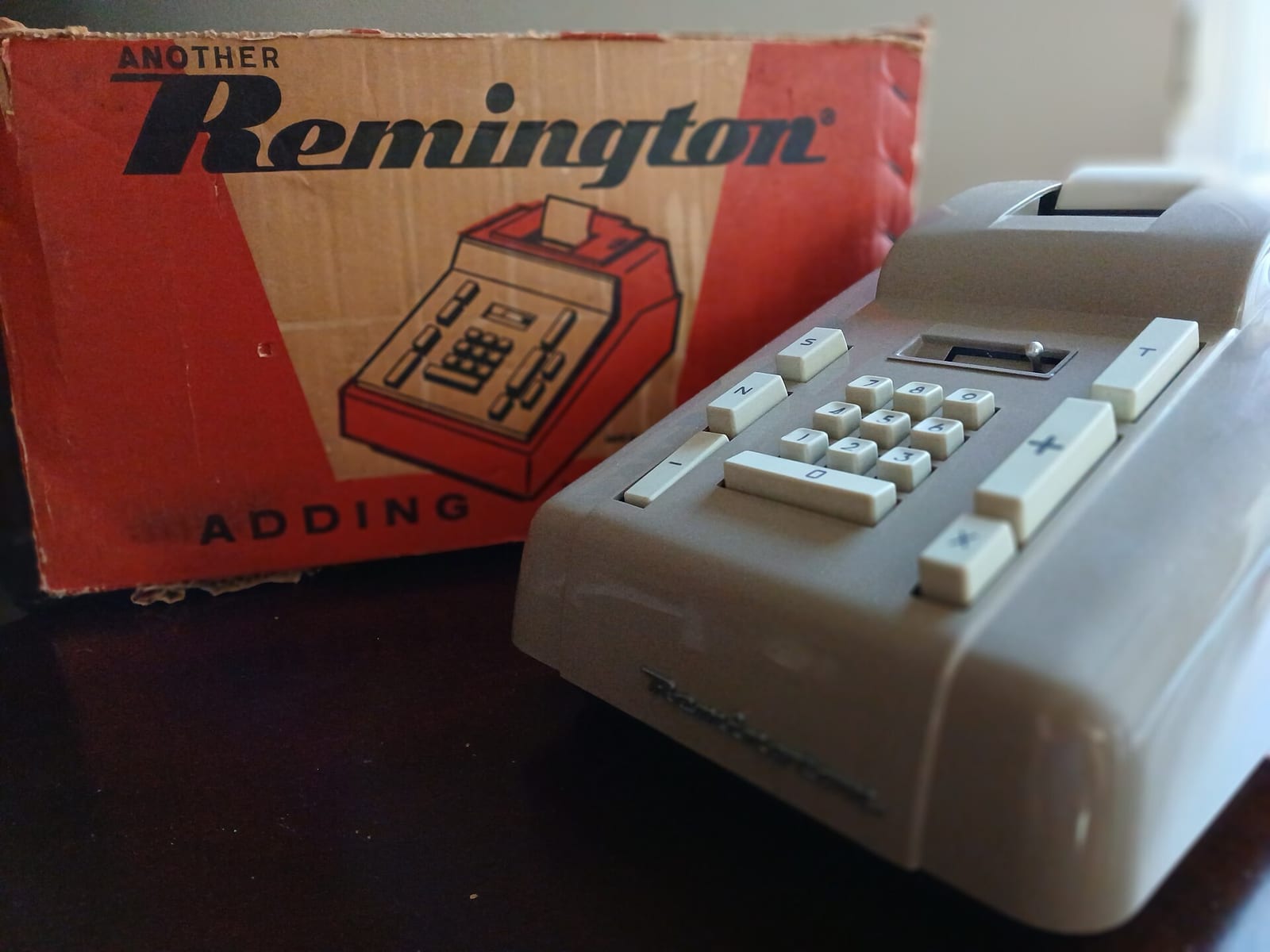
Header photo: Remington Adding Machine Model 102 by Issac I Navarro, CC BY 4.0, via Wikimedia Commons.
