

Using Tradesman
Photo Proof, Before and After
Shoot it on the phone, attach it to the job or the request, and let it carry through to the invoice. Grouped by who took it.
Field notes
How working crews quote faster, keep the schedule tight, and get paid without chasing anyone down.
Shoot it on the phone, attach it to the job or the request, and let it carry through to the invoice. Grouped by who took it.
An ordered route per technician with drive times, miles and ETAs — and a live map showing where everyone actually is.
Day and month views with drive times and arrival windows — plus a feed you can subscribe to from Google or Apple Calendar.

Four columns and one direction of travel. You can see every piece of work you have, and what it's waiting on.
The request, the estimate, every send and every approval, the job, the messages, the photos, the hours, the invoice. In order, on one page.
The record everything else hangs off — the address, the crew, the schedule, the notes, and the warranty date you will want in eighteen months.
Turn on one switch and unpaid invoices get a polite nudge every week until they're settled. You never have to be the bad guy.
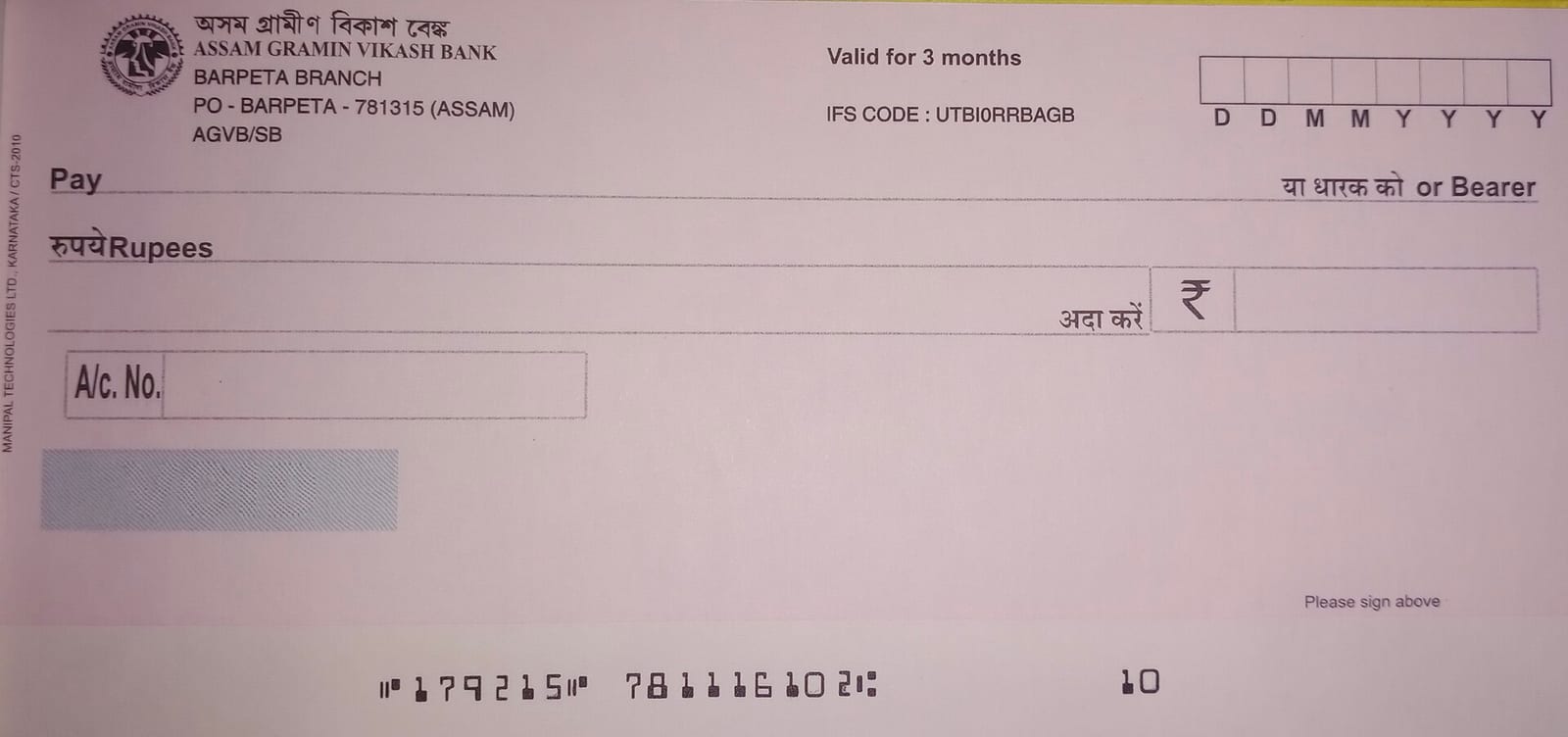
Half of this trade still pays with a folded check on the kitchen counter. Log it in ten seconds and photograph it while you're standing there.
Connect Stripe once and every invoice you send gets a Pay button. Card or bank transfer, no account needed, and the receipt sends itself.
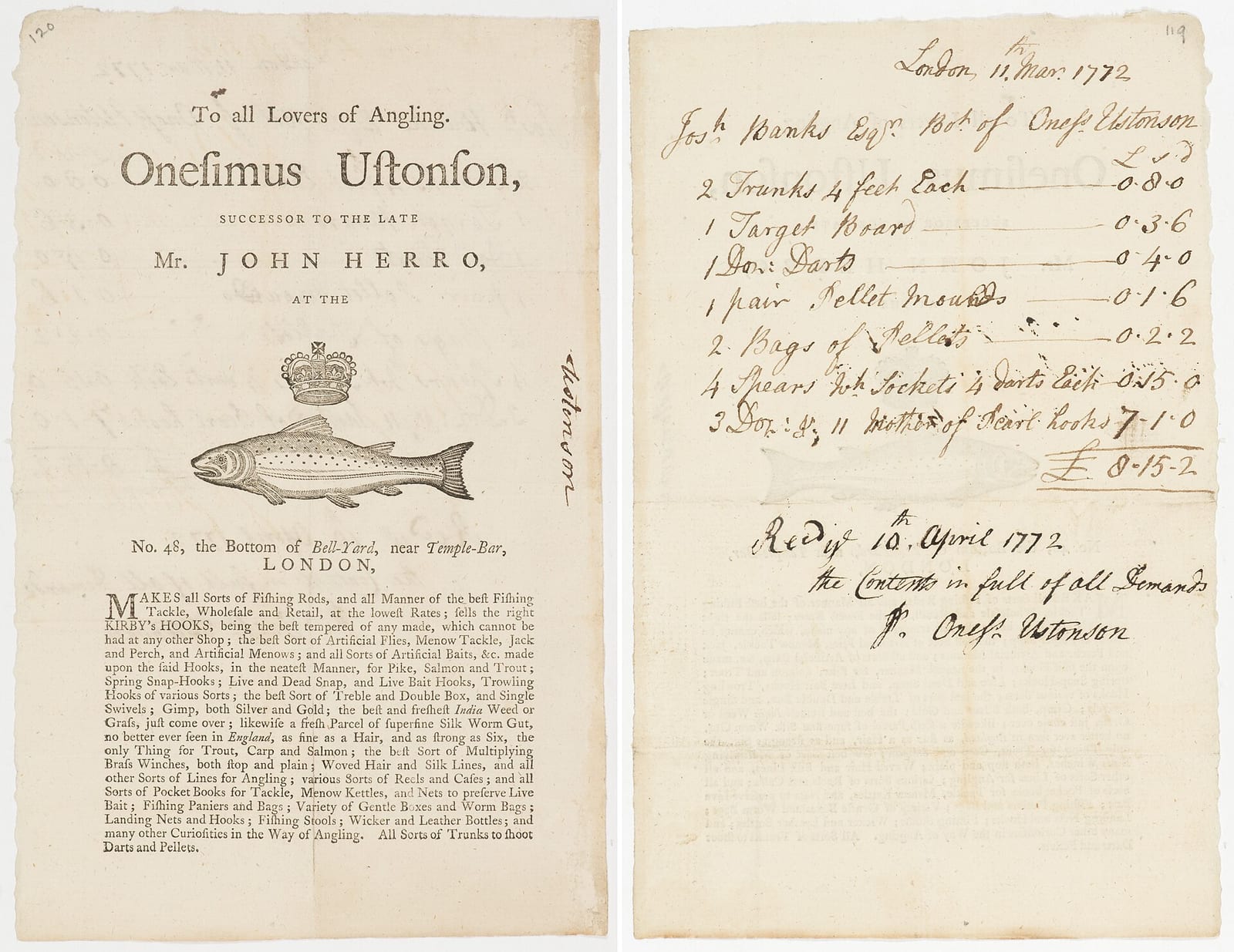
The job already knows the customer, the address and the work. Invoicing shouldn't mean typing it all again.

The customer gets a link, opens it, and reads the whole estimate — no account, no app download. They type their name to approve, and the job is created there and then.

Typed line items with their own units. Per-item tax. A toggle to hide a price from the customer. Scope of work in plain language.